 Guide On Map
Cartagena’s Landward Defense: From Media Luna Gate to San Felipe de Barajas
From India Catalina across Heredia Bridge to the summit of San Felipe de Barajas
Guide On Map on your phone
Open the walk like a regular app
It takes about 10 seconds to install. No app store needed.
The whole path
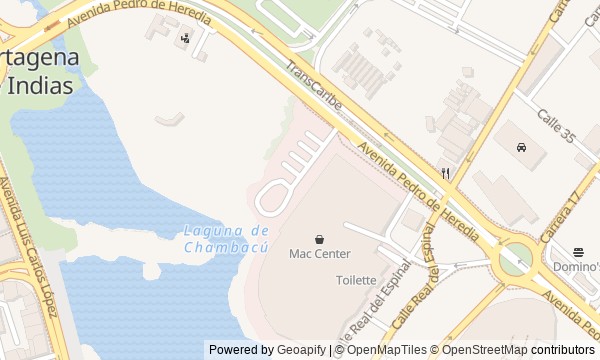
Route map
About the walk
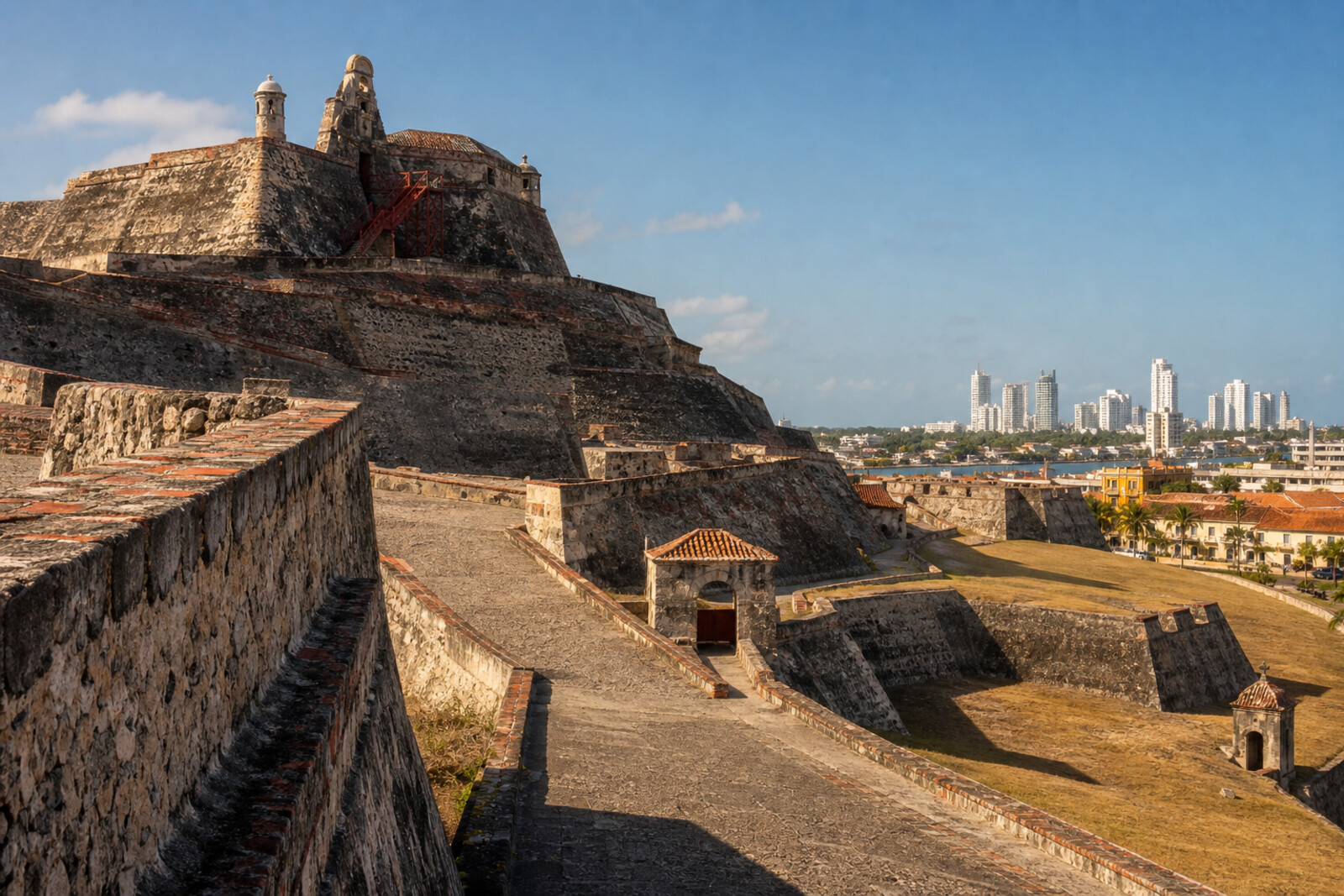
The route leads from the open space beside India Catalina to the site of the vanished land entrance, then around San Lázaro Hill and into San Felipe de Barajas. First you will follow the road for which an old fortification was dismantled. At the foot of the fortress, bronze boots await, and from the esplanade you will climb through ramps, batteries, galleries, and the upper redoubt.
Instead of a familiar walk along the old city walls, you will take apart Cartagena’s defense from the landward side: where a traveler was held up, where an assault was expected, and how the levels of the hill were connected. The story stays calm and concrete. It separates later additions from the early fort and brings back the human details: wet boots, stairs that were too short, plans studied under a magnifying glass, and water in enclosed passages.
The finale brings you back above the line of the Media Luna Gate. By the end of the walk, you will be able to explain why San Felipe de Barajas cannot be understood as a single fortress from a single period.
Why this order
India Catalina sets the course along Pedro de Heredia Avenue, which leads to the former land entrance. At Heredia Bridge, the scale of the change becomes clear: a defensive passage disappeared to make way for direct traffic. Then comes Old Boots Monument, because the new bridge pushed the earlier monument to the foot of San Felipe de Barajas.
From the boots, the fortress first reveals itself from below, through the esplanade of a nighttime assault. Beyond it, the ramp shows how engineers sealed off the vulnerable slopes, while the batteries explain why the positions were linked together. From the batteries, the route enters the galleries, where the garrison could move within the hill. The final climb reaches the old upper redoubt: from here, Media Luna Gate is visible again, where the landward line of defense began.
Those who want to understand how a fortress works, not just take in the view Fans of military history without ceremonial rhetoric Those interested in the fates of city monuments and restored structures
Those looking only for a walk through colonial streets and squares Those who are not comfortable with climbs and underground passages Those who prefer a quick overview without engineering details
Before you go
Before setting out, check the current visiting arrangements at San Felipe de Barajas and whether its interior areas are accessible: individual galleries or passages may be closed even when the complex itself is open to visitors.
Bring water, sun protection, and shoes with a steady sole. There is little shelter on the exposed stone, while the tunnels can be damp and slippery.
The first 3 stops are outside the fortress; continuing inside requires separate admission to the complex. If tight, dark spaces make you uncomfortable, decide in advance that you will listen to the 7th stop by the open entrance to the galleries.
When to go
Choose a cooler part of the day and leave some time before visiting hours end: the climb is best done without rushing, and access to interior sections may end earlier than walks around the outer platforms.
Backup plan
If the fortress is closed or the weather makes the climb unsafe, complete the first 3 stops and end the walk at the esplanade, viewing San Felipe de Barajas from outside. This preserves the city part of the story, but it cannot replace the ramps, batteries, and upper platform—save those for a full visit.
If only the tunnels are unavailable, do not look for detours or go beyond the gates: listen to the stop beside the open gallery and continue upward along the permitted route. If you are tired or find the climb difficult, a sensible shorter version ends at the lower walls after the 4th stop.
Route conditions
Surface. Paved — 1.4 km (data covers 67% of the route)
Facilities. Toilets — 2
Elevation. Ascent — 8 m; descent — 7 m
OpenStreetMap extract of June 18, 2026: database data, not a check on the ground. Data © OpenStreetMap contributors, ODbL licence
Walk plan
Open in maps ↗- 1
India Catalina Monument
This is where the route along the avenue associated with the man against whom the interpreter testified begins. - 2
Heredia Bridge and the site of the Media Luna Ravelin
This stop shows how a military entrance gave way to a straight city road. - 3
Old Boots Monument
The history of the monument’s two versions links a municipal demolition, poetic mockery, and the habit of taking photographs inside the sculpture. - 4
San Felipe de Barajas Esplanade
The open slope makes it possible to compare the direction of the assault with the old redoubt high above the later walls. - 5
Ramps and Sloping Walls
The ascent will explain how, after the fall of Havana, engineers linked new positions at different levels. - 6
Batteries and Bastions
Here, the workings of crossfire defense meet the story of a man who spent decades restoring the walls to their former shape. - 7
Tunnels and Galleries
The galleries separate the real military passageways from urban legends about distant secret exits. - 8
Upper Platform of San Felipe de Barajas
The final stop returns the route to the early fort and to the line of fire above Media Luna.
Route features
Everything you need stays in the browser
Progress, saves and your trip plan are stored on this device.
Add Guide On Map to your home screen so the walk opens outside the browser.
How we handle sources, maps and corrections: our editorial standards