 Guide On Map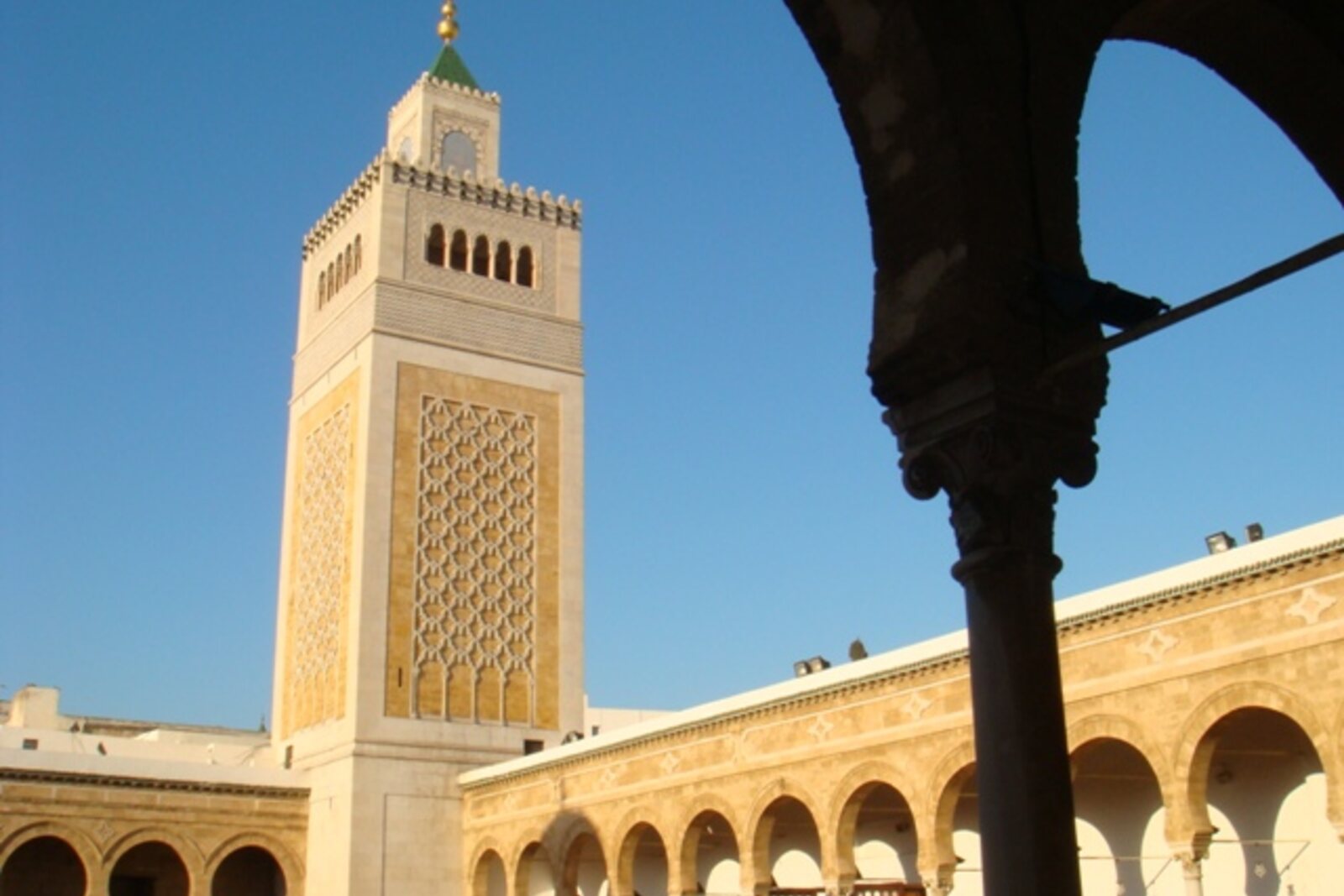
Look around first
What to notice
- Columns in the prayer hall
- Inner courtyard
- Northern wall of the mosque
- Covered market passages
The story of the place
In the spring of nineteen ten, Zitouna students held a general meeting inside this mosque without their teachers. Holding a meeting on their own already broke the local order. A sheikh—a scholar who taught theology, Arabic, or Muslim law—sat by a column. The students gathered around him in a halqa, or circle. Separate classrooms were unnecessary: people prayed here, and teaching and examinations took place here as well.
By the beginning of the twentieth century, this education no longer provided graduates with their former standing. Tunis was under the French protectorate, and paid posts in the administration increasingly went to people who knew French and modern subjects. Zitouna graduates were left mainly with teaching Arabic and a small number of religious posts. Several years of study by the columns could end with a diploma that barely provided a living.
At the March meeting, the students demanded changes to the curriculum and teaching methods. They elected delegates, and the protectorate administration agreed to create a reform commission. A month passed, but the commission had not even begun any noticeable work.
On April sixteenth, the students stopped attending classes and went to Dar el Bey, where the Beylical government met. After the first arrests, they continued the strike. Now each student risked not merely a future post, but freedom and the very possibility of completing an education. For twelve days, there were no regular classes here.
At last, a minister of the Beylical government received the delegates. The administration promised to stop persecuting the participants, those arrested were released, and on April twenty-eighth Zitouna reopened. The students returned to their columns, but they did not receive what mattered most: the curriculum and organization of instruction changed very little.
Two years later, new regulations divided the course into three stages and introduced separate diplomas. Natural sciences, new textbooks, and graduates' access to a larger number of professions remained subjects of dispute for decades. In nineteen fifty-eight, classes were moved from the mosque to a separate educational institution.
Today, the University of Ez-Zitouna occupies other buildings. The prayer hall still has the columns by which sheikhs taught lessons, but there are no longer student circles at their bases. The word “Zitouna” means “olive”: according to tradition, a tree grew at the ancient site of prayer. The olive itself has long been gone—only the mosque's name remains from it.
Useful on site
Access to the surroundings and reading the stop from outside is reliable; entry to the courtyard, and especially to the prayer spaces, depends on local rules, prayer times, and current visitor access.
Checked: June 17, 2026. Check the official source before visiting.Follow the rules of the working mosque, choose modest clothing, and do not count on entering during prayer times or when local restrictions apply.