 Guide On Map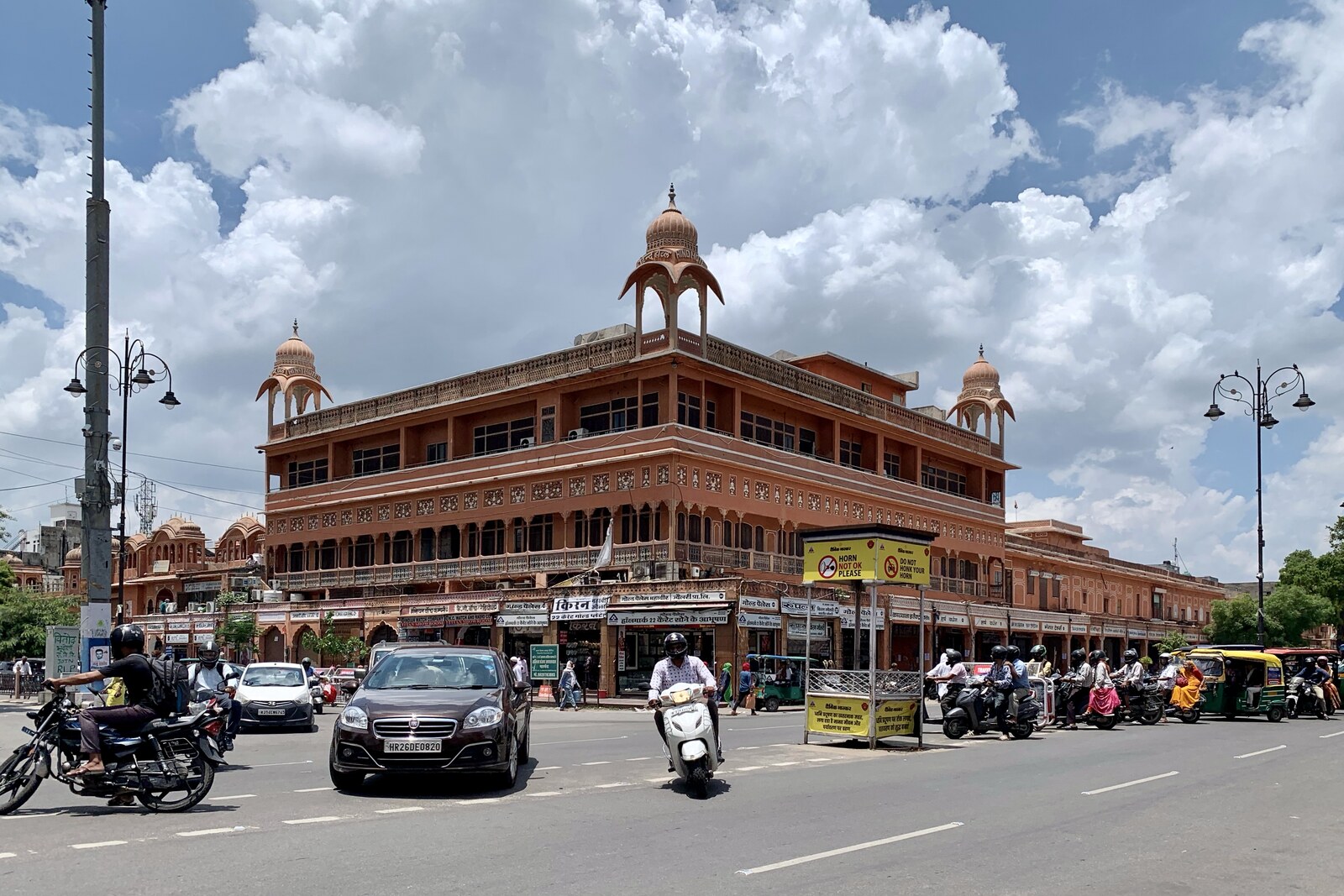
Look around first
What to notice
- Open square
- Marble fountain
- Balustrade
- Metro entrances
The story of the place
Today, market streets, streams of cars, and metro passengers converge on the surface of Chhoti Chaupar. But the square was created here first and foremost for water. Its center was occupied by a stepped reservoir, while channels ran beneath the streets to supply the new city.
In seventeen twenty-seven, Maharaja Sawai Jai Singh II, ruler of the principality of Amer, began building a new capital on the plain. Cramped, mountainous Amer lacked space and reliable water sources; Jai Singh planned to settle about fifty thousand people in Jaipur. His surveyors studied watercourses, distances, and slopes, and builders laid underground water conduits leading to the city grid.
Water entered from the west and first reached the reservoir at Chhoti Chaupar. From there, it overflowed onward to Badi Chaupar and Ramganj Chaupar. The steps allowed people to descend as the water level fell, while lime-plastered walls reduced leakage. This system filled public water sources used by residents who could not afford their own well. That is why the distribution hub was placed at the intersection of broad streets: it was easy to reach from neighboring quarters, and water could be carried onward from here along the natural slope.
In Jaipur, a chaupar was a square at an intersection. “Chhoti” means “small”: the name distinguishes it from the more spacious Badi Chaupar. Their dimensions differed, but both squares concealed the same arrangement—steps, reservoirs, and underground channels.
A century and a half later, Maharaja Sawai Ram Singh II, ruler of Jaipur, decided to replace this system with a water supply network. Open stepped reservoirs were already considered unsanitary. In eighteen sixty-eight, workers began filling in the water bodies at Chhoti Chaupar, Badi Chaupar, and Ramganj Chaupar. In their place, engineers ran iron pipes along the main streets and installed public water taps at intersections. A paved square was laid out on the site of the former reservoir, and in eighteen seventy-six a marble fountain and balustrade were added.
The filled-in reservoir disappeared from city life so thoroughly that the next transport construction project brought its exact arrangement back to mind. In two thousand fifteen, when workers opened up Chhoti Chaupar for a metro station, they found four old water conduits and another, deeper level of the reservoir beneath the square. The designers lowered the railway tracks by about one meter in order to leave the water structure above the station.
The train now passes beneath the place where water entered the first reservoir in the city’s chain; because of the reservoir that was found, the rails lie deeper than in the original design.
Useful on site
Open city square; best viewed in daylight, outside peak traffic and major processions.
Checked: June 15, 2026. Check the official source before visiting.Do not try to take in the square from the center of traffic; compare its shape from several safe edges.