 Guide On Map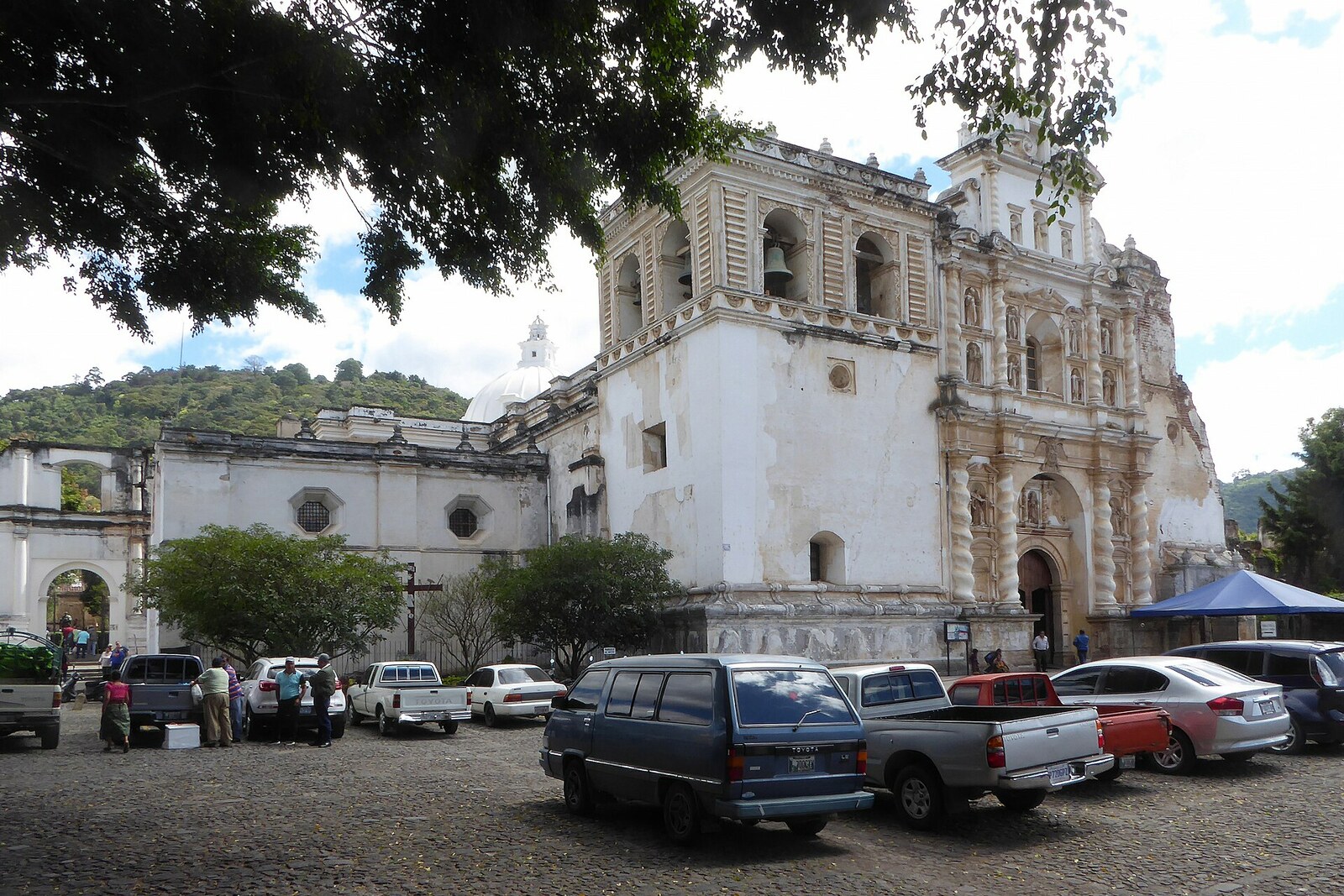
Look around first
What to notice
- The facade of the large church
- The northern chapels
- Vera Cruz Chapel
- The current tomb
The story of the place
San Francisco el Grande here refers to Francis of Assisi: his order received this plot as early as the sixteenth century. It housed the head of the Franciscan province, a novitiate, an infirmary, a school, a printing house, and workshops. Among several religious houses, this enormous main monastery was called “el Grande”—the large one.
In sixteen fifty-five, Pedro de San José Betancur joined the Franciscans. He was not a priest: Pedro joined the Third Order, which brought together laypeople who followed the Franciscan rule. In the city, he sought help for poor people discharged from hospitals while still too weak to work. Pedro invested the donations he collected in the Belén shelter and hospital; around him, a community of the future Bethlemite Brothers formed.
On April twentieth, sixteen sixty-seven, the terminally ill Pedro dictated his will. He had no money or property, so he asked to be buried here, among the brothers of the Third Order, and for a grave to be provided as alms. Pedro died five days later. His request was fulfilled, although the Franciscans gave him special honor and placed his remains in the monastery's burial crypt.
After the earthquake of seventeen seventy-three, the monks left the ruined complex. In seventeen ninety-three, the Franciscan provincial Brother Juan José decided to save Pedro's remains and move them to the new capital. The Bethlemite Brothers objected: their founder had chosen San Francisco el Grande himself. It was then proposed that he be moved to the hospital for convalescents that continued his work, but this too was rejected because of the same line in the will.
The remains were left in the ruined complex. Residents of Antigua and lay members of the Third Order added a small church to the surviving northern chapels so they could continue holding services and visit Pedro. In eighteen seventeen, his remains were moved there from the ruins. This chapel became a local shrine long before the large church was restored.
In nineteen ninety, the remains were placed in the current tomb. Pope John Paul II canonized Pedro in two thousand two, and a year later the archbishop granted San Francisco el Grande shrine status precisely because of the tomb located here. Pilgrims now come to it, especially with prayers for healing. The tomb stands in Vera Cruz Chapel, in the church's northern arm; Pedro's remains have never left the plot where he asked for a place among the Franciscans—having no money, as alms.
Useful on site
Published hours — daily 09:00–16:30, free entry; services and pilgrimage events may change access.
Checked: date not specified. Check the official source before visiting.The church remains a place of prayer: speak quietly at the tomb, do not block the passage, and take photographs only where permitted.