 Guide On Map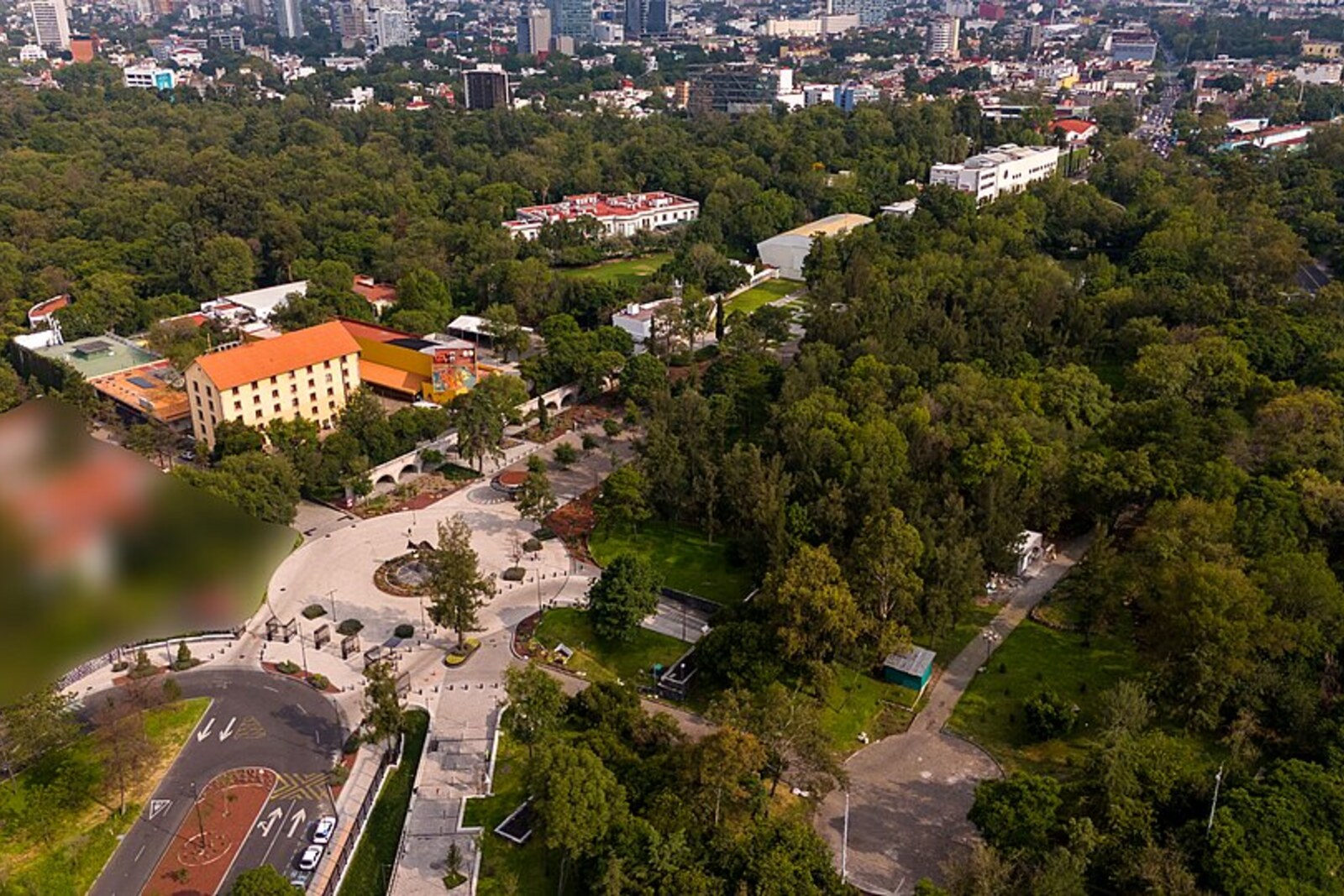
Look around first
What to notice
- The first presidential house
- Miguel Alemán Mansion
- Service buildings
- Exhibition halls
The story of the place
Beyond the gates of Los Pinos stand several houses, service buildings, and halls. The name translates as “The Pines,” but it did not come from the trees of Chapultepec. Until nineteen thirty-four, the country house here was called La Hormiga Ranch—“The Ant.” By then, the estate already belonged to the state and had stood empty for about five years.
It was chosen by Lázaro Cárdenas, Mexico’s new president, who needed a residence for the six years of his term. His predecessors had lived in Chapultepec Castle. Cárdenas considered the castle too lavish a residence for the president of a republic and wanted to open it to visitors. On the eve of taking office, he wrote that ninety-five percent of the country’s population had never seen the castle from the inside.
Cárdenas did not build a new palace for himself. He found an already completed government house, moved his wife Amalia Solórzano and their young son here, and in the spring of nineteen thirty-five permanently moved the presidential residence here. The castle was vacated, and later the National Museum of History, already familiar from the route, opened there.
Cárdenas changed the name La Hormiga together with the estate’s purpose. An orchard near the city of Tacámbaro in the state of Michoacán, where he met Amalia, was called Los Pinos. When Cárdenas sought the position of state governor, Amalia was the daughter of a local landowner; her father long refused to agree to her marriage to a military man and politician who was more than twenty years older than she was. Cárdenas had to wait. They married two years before his election as president, and he transferred the orchard’s name to their new official residence.
After his term ended, Cárdenas left with his family, but the address he chose remained with his successors. Each adapted the grounds to suit his own family and work. In nineteen forty-seven, President Miguel Alemán ordered the construction of a spacious mansion with offices, guest halls, a movie theater, and family rooms. Construction was not completed until nineteen fifty-two, so Alemán himself lived in the house for only a few months. In this way, one estate gradually became a complex.
Since December two thousand eighteen, presidents no longer live here. Exhibitions, concerts, and classes take place in the former residences, and visitors may enter the grounds free of charge. The first house has survived: it is now the Cárdenas Museum. The Alemán mansion stands nearby, and above the entire expanded residence remains the familiar name of the orchard where Lázaro waited for permission to marry Amalia.
Useful on site
Checked 2026-06-29: the complex is open Tuesday through Sunday, 10:00–18:00, with free admission. Individual houses may open on their own schedules; the Lázaro Cárdenas House is listed as 11:00–18:00.
Checked: June 29, 2026. Check the official source before visiting.Access to individual houses and rooms may vary; even if the interiors are closed, walk through the permitted parts of the gardens.